Boost Your Small Business Website with an AI Chatbot
Transform your small business website with an AI chatbot. Learn how to implement one for better customer engagement, lead generation, and operational efficiency.
10 min read · August 30, 2026
Your small business website is often the first point of contact for potential customers. But are you equipped to handle every visitor's query, day or night, without a dedicated support team? Many small business owners struggle to provide instant answers, qualify leads effectively, and capture every opportunity that lands on their digital doorstep. This can lead to missed sales, frustrated visitors, and a perception of unresponsiveness.
Why Your Small Business Website Needs an AI Chatbot
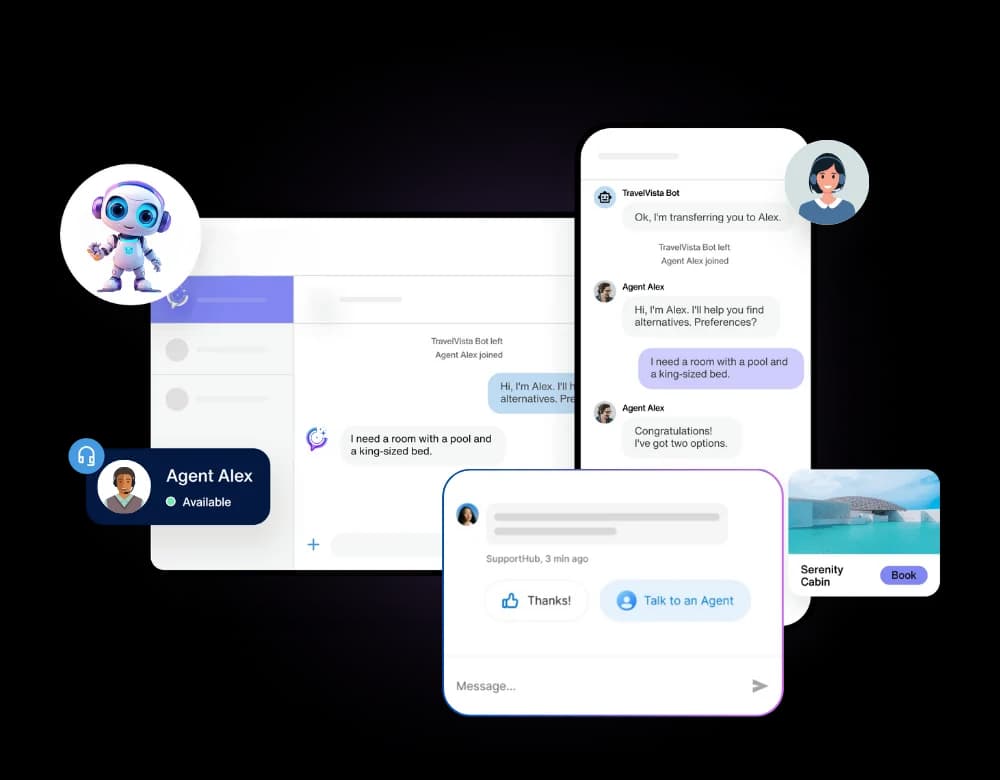
Implementing an AI chatbot on your small business website can fundamentally change how you interact with your audience and manage your operations. These intelligent assistants go far beyond simple automated responses. They offer immediate, 24/7 customer service, ensuring no visitor query goes unanswered, even outside business hours. This constant availability can significantly improve customer satisfaction and build trust.
Furthermore, AI chatbots excel at lead qualification. They can ask visitors a series of pre-defined questions to understand their needs, gather contact information, and even segment them based on their interest level. This process frees up your sales team to focus on genuinely interested prospects, increasing efficiency and conversion rates. For small businesses with limited staff, this automation is invaluable.
Think about the repetitive questions your team answers daily. An AI chatbot can handle these FAQs instantly, freeing up valuable human hours for more complex tasks and strategic initiatives. This operational efficiency can translate directly into cost savings and improved productivity. As discussed in AI for Small Business: 10 Ways to Save Time with Automation, intelligent tools are key to scaling small operations.
Beyond these core benefits, AI chatbots can also guide visitors through your website, helping them find the information or products they are looking for more quickly. This improved user experience can lead to longer site visits and a higher likelihood of conversion. For a comprehensive overview of implementing these tools, consider reading AI chatbots. For a deeper dive into the broader strategic advantages, explore AI chatbots for business: complete setup guide.
Key Features of an Effective AI Web Chatbot
When selecting an AI chatbot for your small business website, certain features are paramount to ensure it delivers real value. The most crucial capability is its ability to understand and utilize your website's specific content.
An effective AI web chatbot should be able to ingest and learn from your website's pages, product descriptions, FAQs, and any other relevant information. This allows it to answer visitor questions with context and accuracy, acting as a knowledgeable virtual representative of your business. Look for chatbots that offer "website knowledge integration" or similar capabilities.
Natural language understanding (NLU) is another vital feature. This allows the chatbot to comprehend user queries phrased in everyday language, even with variations in wording or minor errors. A chatbot with strong NLU can engage in more natural, human-like conversations, leading to a better user experience.
Ease of use is also critical for small businesses. The chatbot builder should be intuitive, requiring minimal technical expertise to set up, customize, and deploy. Features like drag-and-drop interfaces, pre-built templates, and clear customization options can significantly simplify the process.
Finally, consider its integration capabilities. The chatbot should be easy to embed on your website, regardless of the platform you use. It should also offer options for customization to match your brand's look and feel. Some chatbots also offer features like conversation history, analytics, and the ability to escalate complex queries to human agents.
Choosing the Right AI Chatbot Builder for Your Business
The market offers a variety of solutions for adding AI chatbots to your website, ranging from standalone builders to comprehensive AI studios. For a small business, the choice can impact both cost and operational efficiency.
Standalone AI chatbot builders focus solely on creating and deploying chatbots. While they can be effective, they often require separate subscriptions for other AI tools you might need, such as AI writing assistants or image generators. This can lead to managing multiple platforms, each with its own interface, billing, and learning curve.
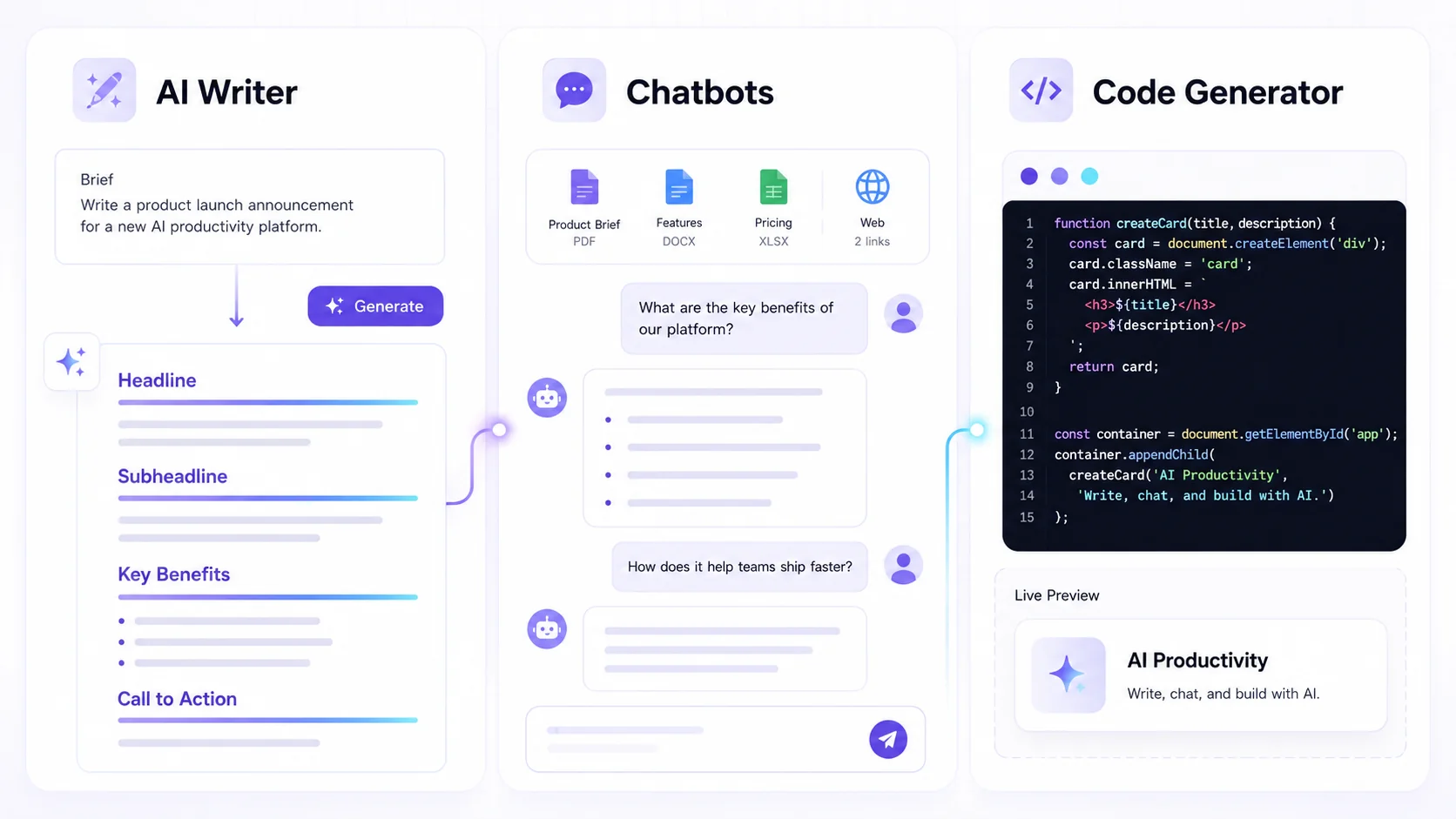
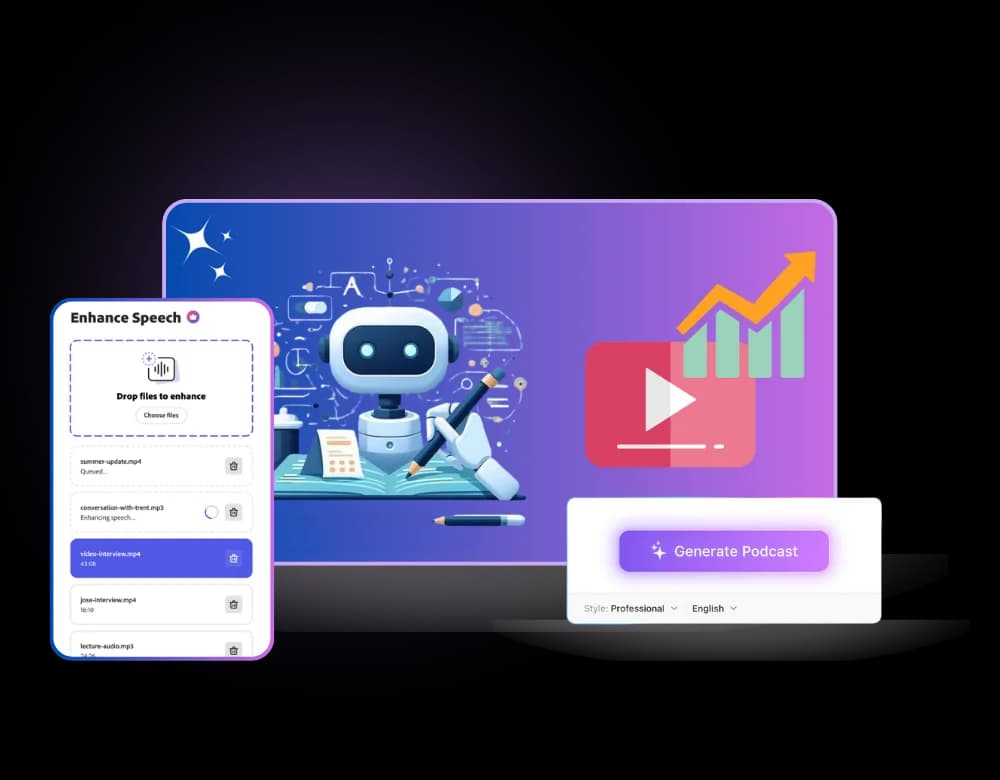
In contrast, an all-in-one AI studio, like Textalky, consolidates numerous AI creative tools, including chatbot functionality, under a single subscription. This approach offers significant advantages for small businesses. Instead of paying for and managing separate tools for writing, voiceovers, images, and chatbots, you get them all in one place. This simplifies your tech stack, reduces overall costs, and streamlines your workflow. As explained in all-in-one AI studio vs. stacking tools, integration and simplicity are key advantages.
When evaluating options, consider the total cost of ownership. Standalone tools might seem cheaper initially, but the cumulative cost of multiple subscriptions can quickly add up. An integrated studio often provides better value, especially as your needs grow. Review the plans and pricing to understand the different tiers and what each offers. For a small business, a platform that offers a unified experience for all their AI creative needs can be a powerful asset, allowing them to experiment with and deploy various AI-powered solutions without a complex integration process.
Setting Up Your AI Chatbot with Website Knowledge
One of the most powerful aspects of modern AI chatbots is their ability to learn from your existing content. Training your chatbot with your website's knowledge ensures it provides accurate and relevant answers to your visitors' questions. This process typically involves several steps.
First, you need to identify the content you want your chatbot to learn from. This usually includes your website's main pages, product or service descriptions, FAQ sections, blog posts, and any other informational resources. The more comprehensive and accurate the source material, the better the chatbot will perform.
Next, you'll use the AI chatbot builder's interface to feed this content to the AI. Many platforms allow you to simply input your website's URL, and the AI will crawl and index the pages. Alternatively, you can often upload documents or paste text directly. This is how you create a chatbot trained on your docs.
The AI then processes this information, building a knowledge base that it can query when a user asks a question. The sophistication of the AI determines how well it can understand the nuances of your content and provide contextually appropriate responses.
Once the knowledge base is established, you can further refine the chatbot's behavior. This might involve setting up specific greetings, defining escalation paths for complex queries, or customizing its personality to align with your brand. Some platforms also offer options to review and edit the chatbot's responses to ensure accuracy and tone. Regular updates to the training data, as your website content evolves, are also essential to keep the chatbot's information current.
Integrating Your AI Chatbot Seamlessly
Getting your AI chatbot live on your website is a crucial step. The integration process is designed to be straightforward, ensuring that even users without deep technical skills can embed the chatbot effectively.
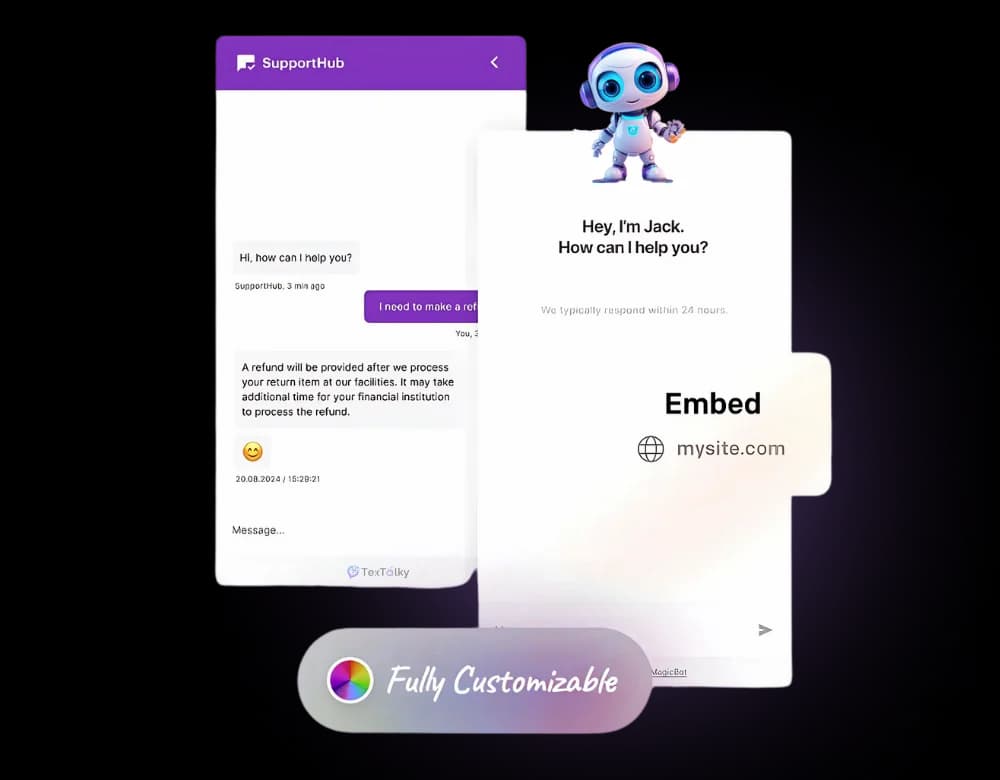
Most AI chatbot builders provide a simple snippet of code, typically JavaScript. This code needs to be added to your website's HTML, usually just before the closing </body> tag or within the <head> section, depending on your website platform.
If you use a popular website builder like WordPress, Shopify, Wix, or Squarespace, the process is often even simpler. Many chatbot platforms offer dedicated plugins or integrations that allow you to add the chatbot with just a few clicks, without needing to touch any code. You might find a field in your website's settings where you can paste the provided code snippet or activate the integration directly.
The goal is a seamless user experience. Once integrated, the chatbot widget typically appears in a corner of your website, often the bottom right, ready to engage visitors. It's important to test the chatbot on different devices and browsers to ensure it displays correctly and functions as expected. A well-integrated chatbot should feel like a natural extension of your website, enhancing, rather than detracting from, the user journey.
Consider how the chatbot's appearance aligns with your brand. Most builders allow you to customize the chat widget's colors, icon, and even the chatbot's avatar to match your website's design. This visual consistency is key to maintaining brand integrity and creating a professional impression.
Measuring the Impact: ROI of Your AI Chatbot
Implementing an AI chatbot is an investment, and understanding its return on investment (ROI) is crucial for small businesses. Tracking key metrics will help you gauge its effectiveness and identify areas for improvement.
Engagement Rates: Monitor how often visitors interact with the chatbot. A high number of initiated conversations suggests the chatbot is visible and inviting. Look at metrics like the number of chats started, messages exchanged per chat, and chat completion rates.
Lead Conversion: For businesses focused on lead generation, track how many leads the chatbot captures. This includes gathering contact information, qualifying prospects, and even scheduling initial consultations. Compare this to leads generated through other channels to understand the chatbot's contribution.
Customer Satisfaction: While harder to quantify directly, you can infer satisfaction from the types of questions the chatbot handles successfully and the reduction in support tickets for common inquiries. Some chatbot platforms also offer post-chat surveys to gather direct feedback.
Operational Efficiency: Measure the time saved by your human team. If the chatbot handles a significant portion of routine inquiries, calculate the hours freed up. This can be translated into cost savings or the ability to reallocate staff to higher-value tasks.
Website Metrics: Observe changes in other website analytics. Has average session duration increased? Have bounce rates decreased? An effective chatbot can improve user navigation and engagement, positively impacting these broader metrics.
By regularly reviewing these metrics, you can demonstrate the tangible value your AI chatbot brings to your small business and make data-driven decisions about its ongoing optimization.
Beyond Basic Support: Advanced AI Chatbot Use Cases
While providing 24/7 customer support and answering FAQs are primary benefits, AI chatbots can perform a much wider range of tasks for small businesses, driving further efficiency and customer engagement.
Appointment Booking: Integrate your chatbot with your scheduling system. Visitors can book appointments, demos, or consultations directly through the chat interface, eliminating back-and-forth emails and streamlining the booking process.
Basic Troubleshooting: For businesses offering technical products or services, the chatbot can guide users through common troubleshooting steps. By accessing a knowledge base of solutions, it can resolve simple issues instantly, reducing the load on your support staff.
Product Recommendations: Based on a visitor's stated needs or browsing history, the chatbot can suggest relevant products or services, acting as a personalized shopping assistant. This can be particularly effective for e-commerce businesses.
Content Direction: If a visitor is looking for specific information, the chatbot can direct them to the most relevant pages on your website, blog posts, or resources. This enhances user navigation and ensures visitors find what they need quickly.
Gathering Feedback: Beyond satisfaction surveys, chatbots can be programmed to ask targeted questions to gather specific customer feedback on products, services, or website experience.
Internal Assistance: For slightly larger small businesses, a chatbot can also serve as an internal resource, answering employee questions about company policies, HR information, or IT support.
To power some of these advanced functions, the underlying AI technology is key. For instance, leveraging an AI Writer can help generate detailed product descriptions or troubleshooting guides that the chatbot can then access and communicate.
Frequently Asked Questions
What is an AI chatbot for a small business website?
An AI chatbot for a small business website is an artificial intelligence powered conversational program designed to interact with visitors on your website. It can answer questions, provide information, qualify leads, and perform various automated tasks, operating 24/7 without human intervention.
How can an AI chatbot with website knowledge benefit my small business?
An AI chatbot with website knowledge acts as a virtual assistant for your business. It can instantly answer visitor questions accurately using your own website content, provide 24/7 customer support, qualify leads by asking relevant questions, and guide users to the information they need, improving customer satisfaction and freeing up your staff's time.
What is the difference between a chatbot builder and an all-in-one AI studio for chatbots?
A standalone chatbot builder focuses exclusively on creating and deploying chatbots. An all-in-one AI studio, on the other hand, integrates chatbot functionality with a suite of other AI creative tools, such as AI writing, voiceover generation, and image creation, all within a single platform and subscription. This offers greater value and simplifies managing multiple AI tools for small businesses.
For small businesses looking to enhance their online presence and customer engagement, implementing an AI chatbot is no longer a luxury but a strategic necessity. The ability to provide instant, accurate support, qualify leads effectively, and streamline operations can significantly impact your bottom line.
When considering your options, remember that managing multiple standalone AI tools can become complex and costly. Platforms that offer an integrated experience, combining chatbot capabilities with other essential AI creative tools, provide a more efficient and cost-effective solution for small businesses.
To explore how an all-in-one AI studio can transform your small business website and marketing efforts, compare the available solutions. Textalky offers a comprehensive suite of AI tools, including advanced chatbot functionality, all within a single, user-friendly interface.
Start enhancing your website's interactivity and operational efficiency today. Sign up for Textalky and see the difference a unified AI creative studio can make.
Ready to try it yourself?
Create a free Textalky account - no credit card required - and put this into practice.
Start creating for free