AI Graphic Design: Your Guide to Stunning Visuals
Discover how AI graphic design tools can transform your visual content creation. Learn to generate professional graphics, images, and more with an all-in-one AI studio.
7 min read · September 4, 2026
AI Graphic Design: Your Guide to Stunning Visuals
Struggling to create visuals that grab attention? If you're a small business owner, marketer, or content creator, you know the challenge. Professional-looking graphics for social media, websites, or marketing materials often seem out of reach. You might lack design expertise, have limited time, or find the cost of design software and professional designers prohibitive. This is where AI graphic design steps in, offering a powerful and accessible solution.
What is AI Graphic Design?
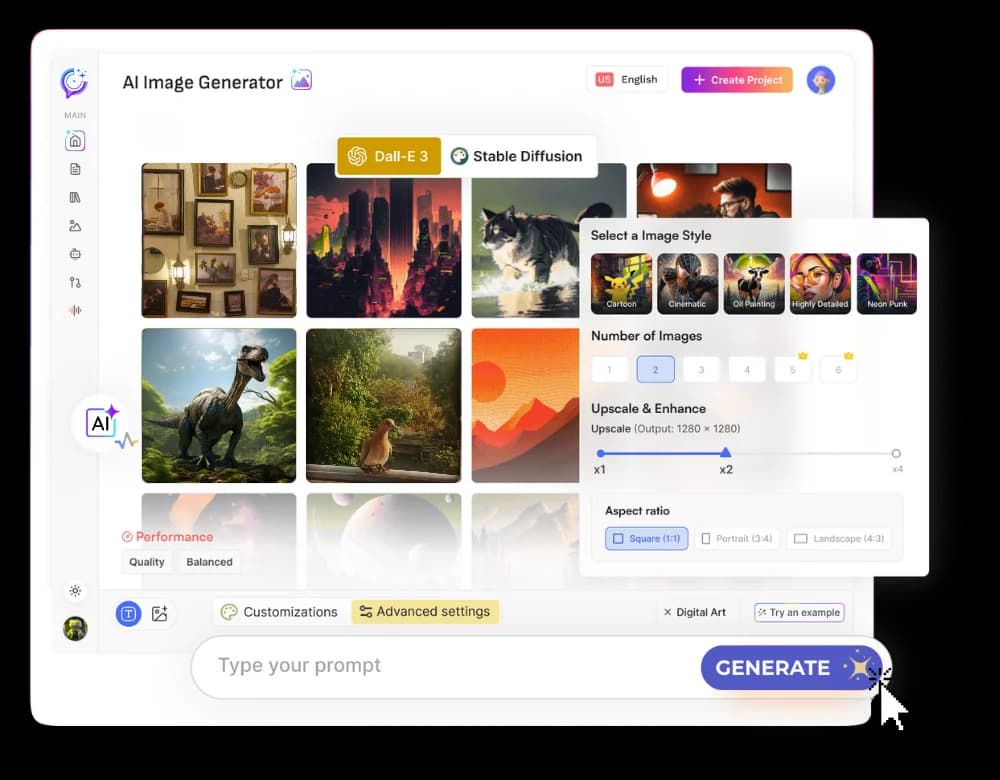
AI graphic design refers to the use of artificial intelligence to assist in or automate the creation of visual assets. Unlike traditional design software that relies on manual manipulation of elements, AI tools interpret user input, often in the form of text prompts, to generate images, illustrations, and even complex graphic layouts. Think of it as collaborating with a creative partner that understands your vision and can translate it into visuals. These tools go beyond simple image generation, aiming to produce assets that are not only aesthetically pleasing but also suitable for specific design purposes, such as marketing campaigns or website banners.
The Rise of AI Visual Creation Tools
The landscape of AI visual creation has evolved dramatically. We've moved from early AI image generators that produced abstract or sometimes uncanny results to sophisticated platforms capable of generating diverse visual content. These newer tools can create everything from photorealistic images and intricate illustrations to stylized graphics and even short video clips.
This advancement is fueled by powerful AI models trained on vast datasets of images and design principles. This allows them to understand concepts, styles, and compositions. For users, this means access to a wider array of creative possibilities. You can now generate unique graphics for your brand, design eye-catching social media posts, or create compelling visuals for blog articles with unprecedented ease. Platforms offering integrated AI Image and AI Video tools are at the forefront of this revolution, streamlining the workflow from concept to final asset. Many also offer detailed guides, such as an AI Image Generator: From Prompt to Publish-Ready Visuals, to help users maximize their creative output.
Key Features of AI Graphic Design Software
When looking for AI graphic design software, several key features can significantly enhance your workflow and the quality of your output:
- Prompt-Based Generation: The core of AI graphic design is the ability to describe what you want. Sophisticated prompt interpretation allows the AI to understand nuances in your text, leading to more accurate and desirable results.
- Style Customization: Beyond generating an image, you should be able to guide the aesthetic. This includes specifying art styles (e.g., watercolor, cyberpunk, minimalist), color palettes, and moods.
- Background Removal: A common need in graphic design is isolating subjects from their backgrounds. AI tools can automate this process, saving significant time and effort compared to manual selection.
- Image Editing Capabilities: While AI generates initial concepts, you often need to refine them. Features like inpainting (adding elements), outpainting (extending an image), and general adjustments (brightness, contrast) are crucial.
- Text-to-Graphic Creation: Some advanced tools can take descriptive text and generate not just an image, but a more structured graphic, perhaps incorporating text elements or layout suggestions suitable for posters, social media posts, or presentations.
- Template Libraries: Pre-designed templates can serve as excellent starting points, which AI can then customize based on your prompts or brand guidelines.
Beyond Static Images: AI for Design Workflows
The utility of AI in graphic design extends far beyond creating standalone images. Modern AI creative studios are integrating various tools to support complete design workflows, boosting efficiency and creative output.
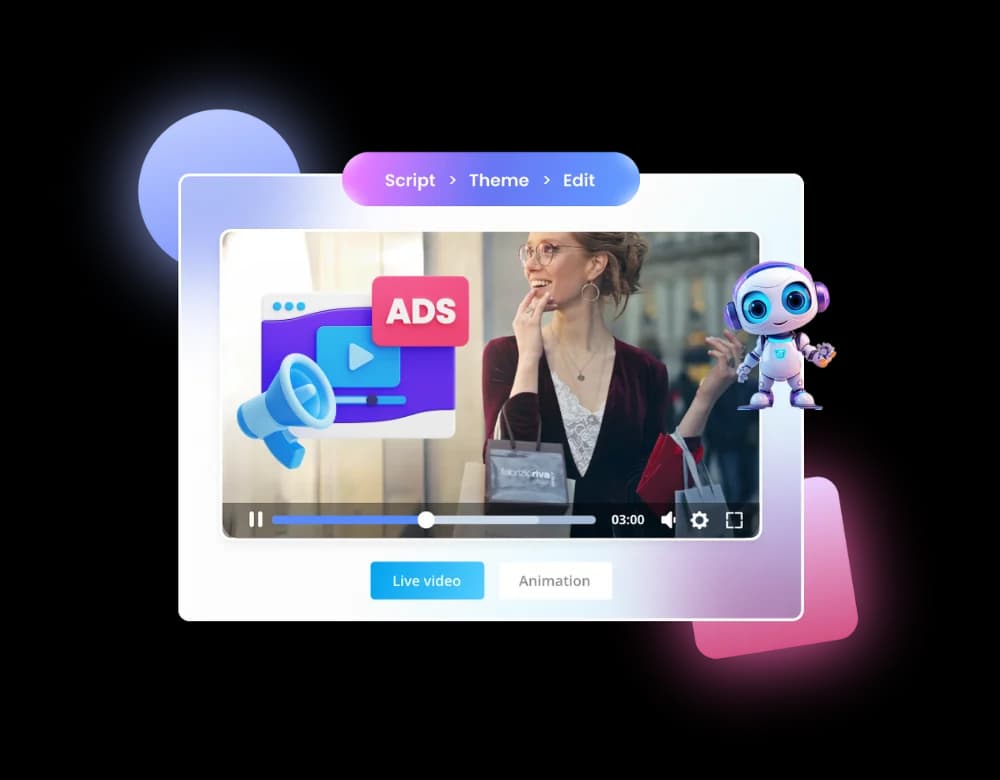
Imagine needing a graphic for a blog post. With an AI graphic design tool, you can generate the visual. But what about the accompanying text? An integrated AI Writer can help craft compelling captions, descriptions, or even draft the blog post itself, ensuring a consistent message and tone. Similarly, for marketing campaigns, AI can generate static graphics, but also assist with dynamic elements. Tools capable of AI video generation can transform your static concepts into engaging video ads or social media clips, animating graphics or creating short promotional videos from simple prompts.
This consolidation of capabilities means you're not jumping between multiple applications. Generating a social media graphic, writing its caption, and perhaps even creating a short video version can all happen within a single, cohesive environment. This dramatically reduces the time spent on repetitive tasks and allows creators to focus on strategy and refinement.
Choosing the Right AI Design Studio
As AI creative tools proliferate, you face a choice: assemble a toolkit of specialized AI applications, or opt for a unified platform. The latter, an all-in-one AI creative studio, offers distinct advantages for professionals and businesses.
Using multiple single-purpose AI tools means managing separate subscriptions, learning different interfaces, and dealing with potential integration issues. Each tool comes with its own monthly fee, and these costs can quickly add up. An all-in-one studio, on the other hand, consolidates numerous AI functionalities - from writing and image generation to voiceovers and video creation - under a single subscription. This not only simplifies management but often proves more cost-effective.
When evaluating your options, consider the breadth of features available. Do you need AI writing, voiceover capabilities, or advanced video editing alongside graphic design? A comprehensive studio covers these bases, providing a consistent user experience and ensuring all your creative assets align. For those looking for exceptional value, exploring options like the AI Lifetime Pro deal, which offers comprehensive access for a one-time payment, can be particularly compelling. It’s wise to compare these offerings against your specific needs and budget by reviewing Textalky's plans and pricing.
Getting Started with AI Graphic Design
Embarking on your AI graphic design journey is more accessible than you might think. The key is to start experimenting and learning how to communicate effectively with the AI.
1. Understand Prompt Engineering: Your text prompts are your primary tool. Be descriptive. Instead of "a dog," try "a golden retriever puppy playing fetch in a sunlit park, vibrant colors, photorealistic style." Include details about the subject, action, setting, style, and mood. Experiment with negative prompts (e.g., "no blurry elements," "not cartoonish") to refine results. If you're also using AI for text, an AI writing assistant can help you brainstorm and refine your prompts.
2. Iterate and Refine: Your first AI-generated image might not be perfect. That's normal. Use the editing features within the AI studio to make adjustments. This could involve regenerating parts of the image, changing the style, or fine-tuning colors and composition. Treat the AI's output as a strong starting point or a draft that you can then polish.
3. Explore Styles and Templates: Don't be afraid to try different style prompts or use pre-existing templates as a foundation. This can expose you to new aesthetic possibilities and speed up your workflow significantly.
4. Integrate into Your Workflow: Think about how AI-generated visuals fit into your broader projects. If you're creating marketing materials, ensure the AI-generated graphics align with your brand's visual identity. If you're producing content, consider how visuals can complement your written or spoken narratives.
The power of AI graphic design lies in its ability to democratize creativity. By understanding the tools and practicing prompt engineering, you can produce professional-quality visuals efficiently and affordably.
Frequently asked questions
What is AI graphic design?
AI graphic design uses artificial intelligence to help create visual assets. Instead of manually designing elements in traditional software, you use text prompts and other inputs to guide AI tools in generating images, illustrations, and graphics. These tools can interpret complex descriptions to produce visuals that align with your specific creative vision.
How can I use AI to create graphics for social media?
You can use AI graphic design tools to create a wide range of social media visuals. Simply describe the type of graphic you need, such as "an Instagram post announcing a sale, featuring a minimalist design with bold typography and a product image," or "a carousel of infographics explaining sustainable living tips." The AI can generate images, illustrations, and even basic layouts that you can then refine for your specific platform and audience.
Do I need design skills to use AI graphic design tools?
No, you do not need extensive traditional design skills to use AI graphic design tools. The primary interface is often text-based prompts, allowing you to describe your desired visuals. While an understanding of design principles can help you craft better prompts and refine outputs, the AI handles much of the technical creation process, making professional-quality design accessible to everyone.
Ready to transform your visual content creation? Traditional design tools can be complex and costly, and juggling multiple single-purpose AI applications is inefficient. An integrated AI creative studio offers a streamlined, powerful, and cost-effective solution for all your design needs.
For a limited time, experience the full potential of AI with the AI Lifetime Pro deal. This offer provides lifetime access to Textalky's complete suite of AI tools - including advanced graphic design, writing, voiceover, and video capabilities - for a single one-time payment of $79. It’s an unparalleled opportunity to equip yourself with a comprehensive AI creative studio without recurring fees. Explore the offer and elevate your creative output today.
Ready to try it yourself?
Create a free Textalky account - no credit card required - and put this into practice.
Start creating for free