Turn Blog Posts into Engaging Videos with AI in Minutes
Discover how to repurpose your written content into dynamic videos using AI. This guide shows you how to turn blog posts into engaging video content quickly and efficiently.
10 min read · September 4, 2026
You have a wealth of written content on your blog, but the thought of creating engaging video from it feels overwhelming. You know video is crucial for reaching a wider audience, boosting engagement, and driving traffic, yet the time, resources, and technical skills required for consistent video production seem out of reach. You’re not alone in this struggle. Many creators face the challenge of repurposing their existing blog posts into compelling video content.
The Challenge of Content Repurposing: Why Video Matters
In the current digital landscape, video reigns supreme. Platforms like YouTube, TikTok, Instagram Reels, and even LinkedIn are prioritizing video content, and audiences are consuming it at an unprecedented rate. Video offers a dynamic and immersive way to connect with your audience, explain complex ideas, showcase products, and build a stronger brand presence.
However, the traditional path to video creation is often paved with obstacles. It typically involves:
- Significant time investment: Scriptwriting, storyboarding, filming, editing, and sound design can consume days or even weeks per video.
- Technical expertise: Mastering video editing software, understanding camera settings, and ensuring good audio quality requires specialized skills.
- Expensive equipment: Professional cameras, microphones, lighting, and editing hardware represent a considerable financial outlay.
- Multiple software subscriptions: Video editors, audio workstations, graphic design tools, and stock footage subscriptions can quickly add up.
For bloggers and content creators who are already investing heavily in written content, the prospect of adding another complex and resource-intensive medium can feel like an insurmountable hurdle. This is where the power of AI can transform your workflow, making blog-to-video creation not just possible, but efficient and accessible.
Your AI Toolkit for Blog-to-Video Transformation
Imagine a single studio where you can adapt your blog posts, generate narration, create visuals, and assemble a polished video - all without leaving one interface. That's the promise of an all-in-one AI creative studio. Instead of juggling separate tools for each step, a unified platform provides the essential components for transforming your written content into dynamic video.
For the blog-to-video workflow, you’ll primarily need access to a suite of AI-powered tools:
- AI Writing Tools: To condense, rephrase, and adapt your blog post content into a concise, video-friendly script. These tools can help you extract key messages and structure them for a visual narrative. Explore the capabilities of AI writing tools to see how they can streamline your scriptwriting process.
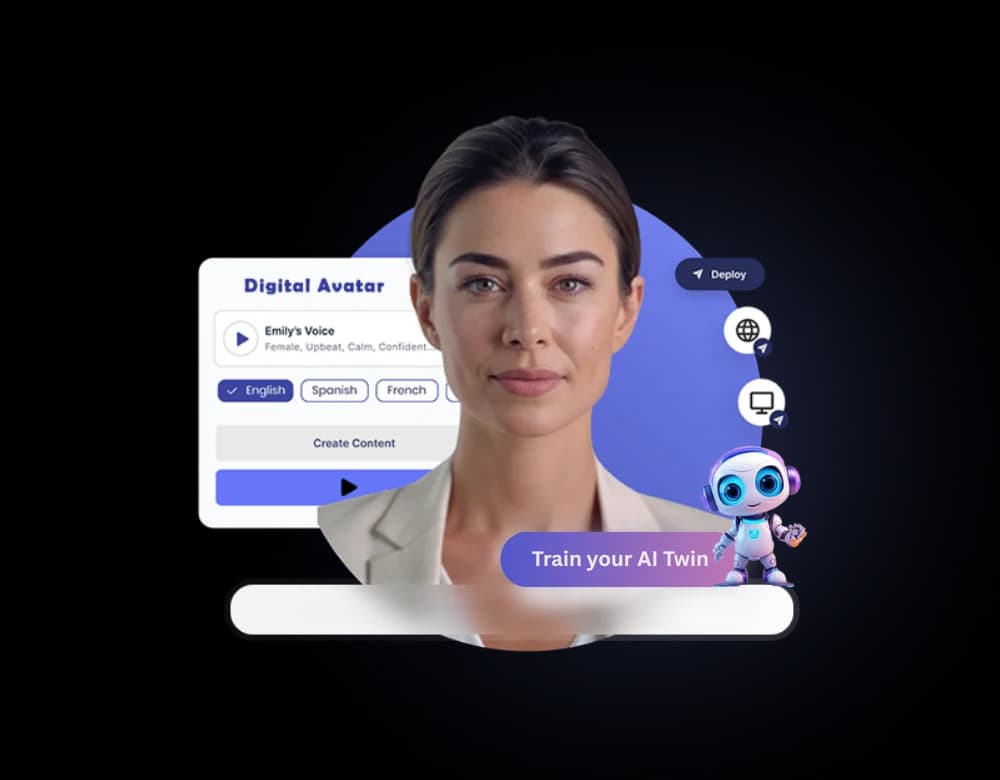
- AI Voiceover: To generate natural-sounding narration for your video script. This eliminates the need for recording your own voice or hiring expensive voice actors, offering a wide range of voices, languages, and accents. Learn more about the power of AI voiceover for your projects.
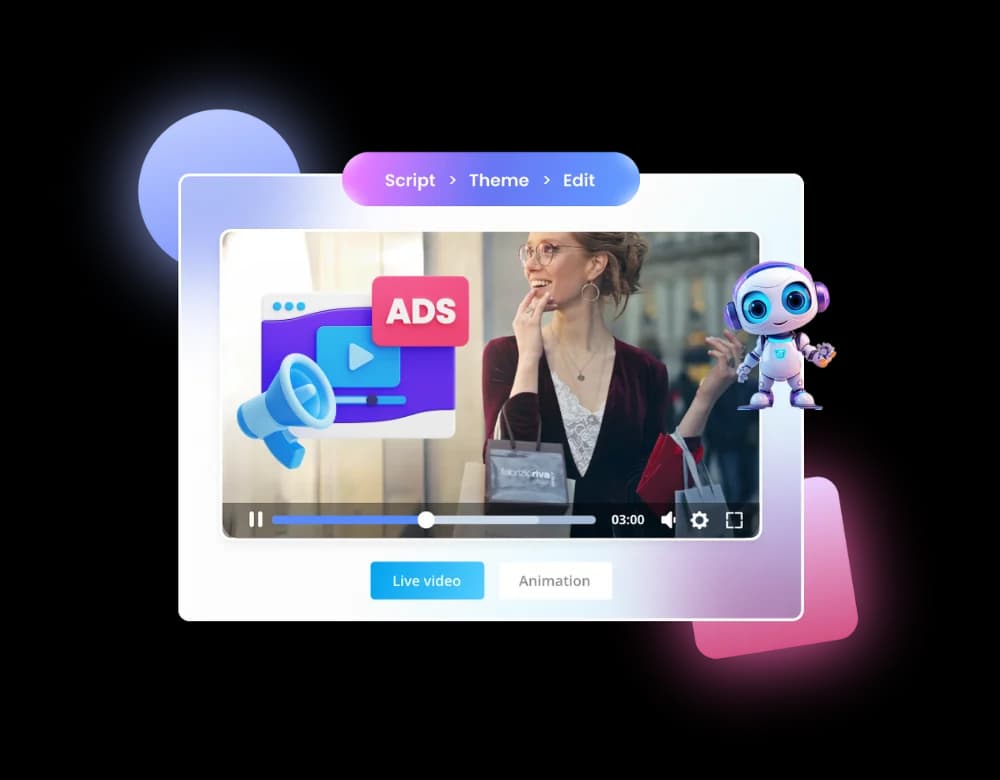
- AI Video Generation: To create visual elements for your video. This can include generating unique video clips from text prompts, finding relevant stock footage, or even animating avatars. Discover how AI video generation can bring your stories to life.
By integrating these capabilities into a single platform, you can significantly reduce the time, cost, and complexity associated with video production.
Step 1: Crafting Your Video Script from a Blog Post
The first and most critical step is adapting your blog post into a compelling video script. A blog post is designed for reading, while a video script needs to be concise, engaging, and easily digestible when heard. AI writing tools excel at this transformation.
Start by pasting your blog post content into your AI writing editor. The goal is not just to shorten the text, but to reformat it for spoken delivery. Consider these strategies:
- Identify Key Takeaways: What are the absolute essential points you want your viewers to understand? Focus on these core messages.
- Condense and Simplify: Break down long paragraphs into shorter sentences. Remove jargon or technical terms that might be difficult to follow when spoken.
- Extract Engaging Sections: Look for sections that lend themselves well to visual explanation or storytelling.
- Add a Hook and Call to Action: Start with an attention-grabbing opening that clearly states what the video is about. End with a clear call to action, guiding viewers on what to do next.
Many AI writing assistants can help you condense or adapt your blog post into a script format. You can prompt the AI to summarize, create bullet points, or even rewrite sections in a more conversational tone. Treat the AI as your scriptwriting assistant; it can do the heavy lifting of reformatting and summarizing, allowing you to focus on refining the narrative and ensuring it flows logically for a video format. Remember to review and edit the AI-generated script to ensure it aligns with your brand voice and delivers your message effectively.
Step 2: Bringing Your Script to Life with AI Voiceover
Once you have a solid video script, the next step is to add narration. This is where AI voiceover technology shines, offering a way to produce high-quality audio without the need for professional recording equipment or voice talent.
Modern AI voice generators can produce incredibly natural-sounding narration, complete with appropriate intonation, pacing, and emotion. You can typically:
- Paste Your Script: Simply copy and paste your finalized video script into the AI voiceover tool.
- Select a Voice: Browse a library of diverse voices. You can choose based on gender, age, accent, and speaking style. Whether you need a calm, authoritative tone for an explainer video or an energetic voice for a promotional piece, there are options to suit your needs.
- Choose Language and Accent: With support for over 150 languages and accents, you can easily create content for a global audience or tailor it to a specific region.
- Adjust Parameters: Some tools allow you to fine-tune aspects like speech rate, pitch, and even add pauses for emphasis.
- Generate and Download: Once you're satisfied with the settings, generate the audio file. Most platforms offer standard audio formats like MP3 or WAV, ready for use in your video editor.
The efficiency of AI voiceover is a significant advantage. You can generate narration in minutes, iterate quickly if you need to make script changes, and maintain a consistent voice across all your videos, regardless of who is "speaking."
Step 3: Generating Visuals with AI Video
With your script and narration in hand, it's time to create the visual component of your video. AI video generation tools have made it easier than ever to produce engaging visuals that complement your audio.
There are several ways AI can help you create video clips from your blog content:
- Text-to-Video Generation: Some AI tools can generate short video clips based on text prompts. You can describe scenes or concepts related to your script, and the AI will create unique visual sequences. This is powerful for illustrating abstract ideas or creating custom imagery that perfectly matches your narrative.
- AI-Powered Stock Footage Search: Many platforms integrate with vast libraries of stock video footage. You can use keywords from your script to quickly find relevant clips, B-roll, or background visuals. AI can even help suggest relevant footage based on the context of your script.
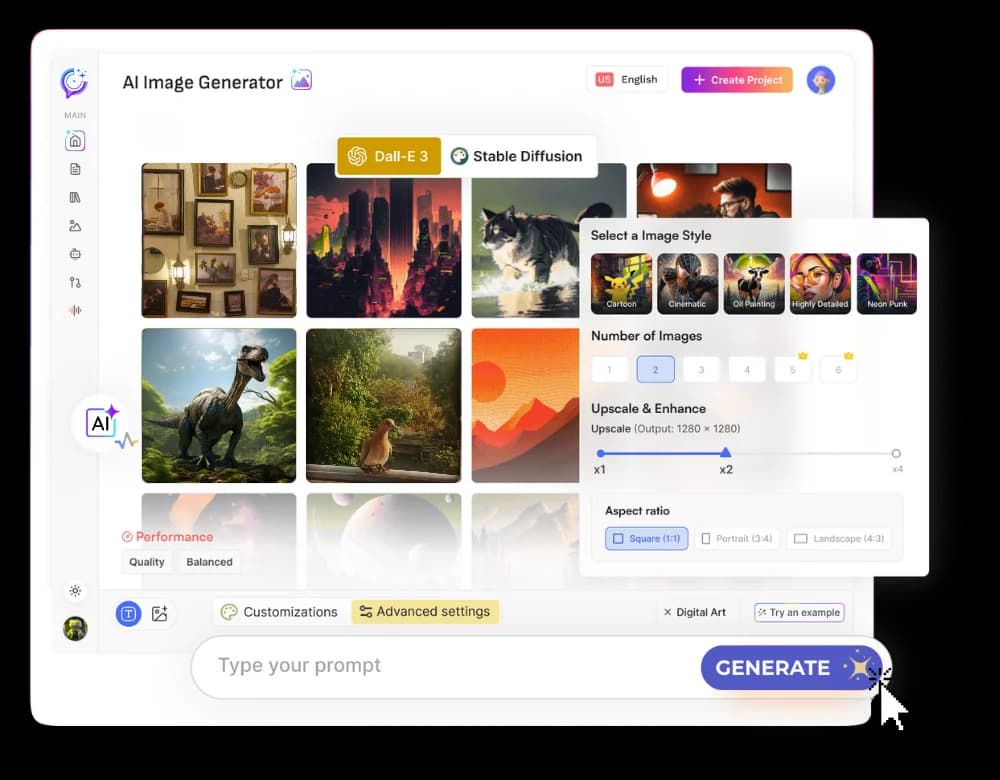
- Image Generation and Animation: If you need specific graphics or illustrations, AI image generators can create them from text descriptions. These images can then be incorporated into your video. Some tools can also animate these images or use AI avatars to present your content.
- AI Video Editing Assistance: Advanced AI can help automate aspects of video editing, such as scene detection, color correction, and even suggesting cuts based on the pacing of your narration.
When selecting visuals, aim for consistency with your brand and the tone of your message. If your blog post discusses technology, use visuals of modern devices or futuristic interfaces. If it's about nature, incorporate footage of landscapes or wildlife. The goal is to enhance the viewer's understanding and engagement, not distract from it.
Step 4: Editing and Finalizing Your AI-Generated Video
Once you have your script, AI-generated voiceover, and visual assets, it’s time for the final assembly. This is where you’ll bring all the elements together into a cohesive video.
Most all-in-one AI creative studios offer an integrated video editor. Here’s a typical workflow:
- Import Assets: Upload your AI-generated voiceover audio file and all the video clips, images, or graphics you’ve created or selected.
- Timeline Editing: Arrange your video clips on the timeline to match the sequence of your script and narration. Trim clips to the desired length, ensuring smooth transitions between scenes.
- Synchronize Audio and Video: Align your voiceover with the visuals. You might want to show specific visuals as keywords are mentioned or illustrate points as they are explained.
- Add Music and Sound Effects: Enhance the mood and professionalism of your video with background music and sound effects. Many platforms provide libraries of royalty-free music and sound effects, often categorized by genre or mood.
- Text Overlays and Graphics: Add titles, lower thirds, or other text overlays to highlight key information, introduce speakers, or display calls to action.
- Review and Refine: Watch your video from start to finish. Check for any timing issues, audio glitches, or visual inconsistencies. Make any necessary adjustments to polish the final product.
- Export: Once you’re happy with the result, export your video in a suitable format and resolution for your chosen distribution platforms (e.g., MP4 for web and social media).
This editing process, while requiring attention to detail, is significantly simplified when all the necessary tools are within a single interface.
Maximizing Your Reach: Publishing and Promoting Your New Video
Creating a great video is only half the battle; getting it seen is the other. Once your blog post has been transformed into an engaging video, consider these strategies for publication and promotion:
- YouTube: The world's second-largest search engine is an obvious choice. Optimize your video title, description, and tags with relevant keywords. Create an eye-catching thumbnail.
- Social Media Platforms: Share your video across your social media channels. Tailor the format and length for each platform - short, attention-grabbing clips for TikTok and Instagram Reels, slightly longer versions for Facebook and LinkedIn.
- Your Blog: Embed the video directly into the original blog post. This can increase engagement time on your page and provide an alternative way for visitors to consume your content.
- Email Newsletters: Include your new video in your next email newsletter to your subscribers.
By repurposing your blog content into video, you tap into new audiences and provide value in a format that many prefer.
The All-in-One Advantage: Streamlining Your Workflow
The process described above might sound like a lot, but imagine performing each step with a different piece of software. You’d be paying for multiple subscriptions, learning various interfaces, and exporting and importing files constantly. This is where the true power of an all-in-one AI creative studio like Textalky becomes apparent.
By housing AI writing, AI voiceover, and AI video generation, along with editing capabilities, within a single platform, you eliminate the friction and cost associated with using separate tools. This unified approach means:
- Cost Savings: One subscription replaces many. Instead of paying for separate AI writing, voice, and video tools, you get access to a comprehensive suite under one plan.
- Efficiency Boost: Workflows become smoother. You can move seamlessly from scriptwriting to voiceover generation to video editing without leaving the application. This drastically reduces the time spent on production.
- Ease of Use: A consistent interface makes learning and using the tools more intuitive. You don't need to become an expert in multiple complex software programs.
- Accessibility: This democratizes video creation, making it accessible to bloggers, small business owners, and marketers who may not have the budget or technical background for traditional video production.
For creators looking to maximize their content’s reach and impact without breaking the bank or getting bogged down in technical complexities, an integrated AI studio is the clear solution. If you're ready to explore this efficient approach, consider the AI Lifetime Pro deal. It offers lifetime access to a vast array of AI tools for a single, one-time payment, providing incredible value for creators.
Frequently asked questions
How can I quickly turn my blog posts into videos?
The quickest way is to use an all-in-one AI creative studio. These platforms integrate AI writing tools to adapt your blog content into a script, AI voiceover generators for narration, and AI video creation tools to produce visuals. The entire process can be managed within a single interface, significantly speeding up production time.
What AI tools are needed to convert blog content to video?
You’ll primarily need three types of AI tools: an AI writer to condense and adapt your blog post into a video script, an AI voiceover generator to create narration from that script, and an AI video generator to produce visuals, such as clips or images, that match your narrative. An integrated video editor is also essential for assembling these components.
Can AI generate voiceovers for my blog-to-video content?
Yes, absolutely. AI voiceover technology is highly advanced, capable of producing natural-sounding narration in numerous languages and accents. You can paste your script into an AI voice generator, select a voice that fits your brand, and generate a professional-sounding audio track in minutes.
Is it possible to create video visuals from text with AI?
Yes, it is possible. AI video generation tools can create video clips from text prompts, generate relevant stock footage based on keywords from your script, or even create custom graphics and animations from text descriptions. This allows you to create visually engaging content that directly corresponds to your blog post's message.
Ready to try it yourself?
Create a free Textalky account - no credit card required - and put this into practice.
Start creating for free