AI Podcast Production: Script, Narrate, and Master Episodes with AI
From a topic idea to a mastered episode, without booking a studio or an editor. Here's the full AI podcast production workflow.
8 min read · March 9, 2026
Independent podcasters have historically faced a tradeoff: consistent output requires either a real production budget or hours of DIY editing every week. AI podcast production tools remove most of that overhead without making the final episode sound obviously automated.
Step 1: Turn a topic or link into a script
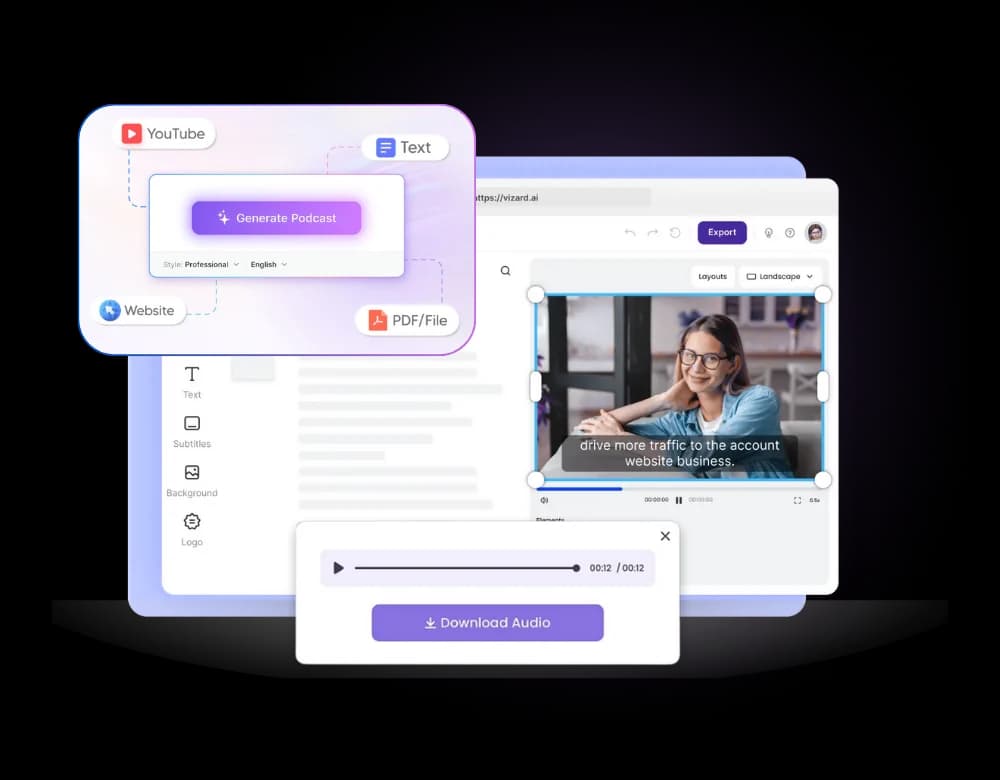
Start from a topic idea, an article, or even a YouTube link, and let AI Writer draft a structured episode script - intro, main segments, and a close - instead of staring at a blank page every week.
Step 2: Narrate with your own voice or a studio narrator
Use Voice Cloning to narrate in your own consistent hosting voice, even across episodes recorded weeks apart, or pick a studio-grade AI voice if you'd rather not clone your own.
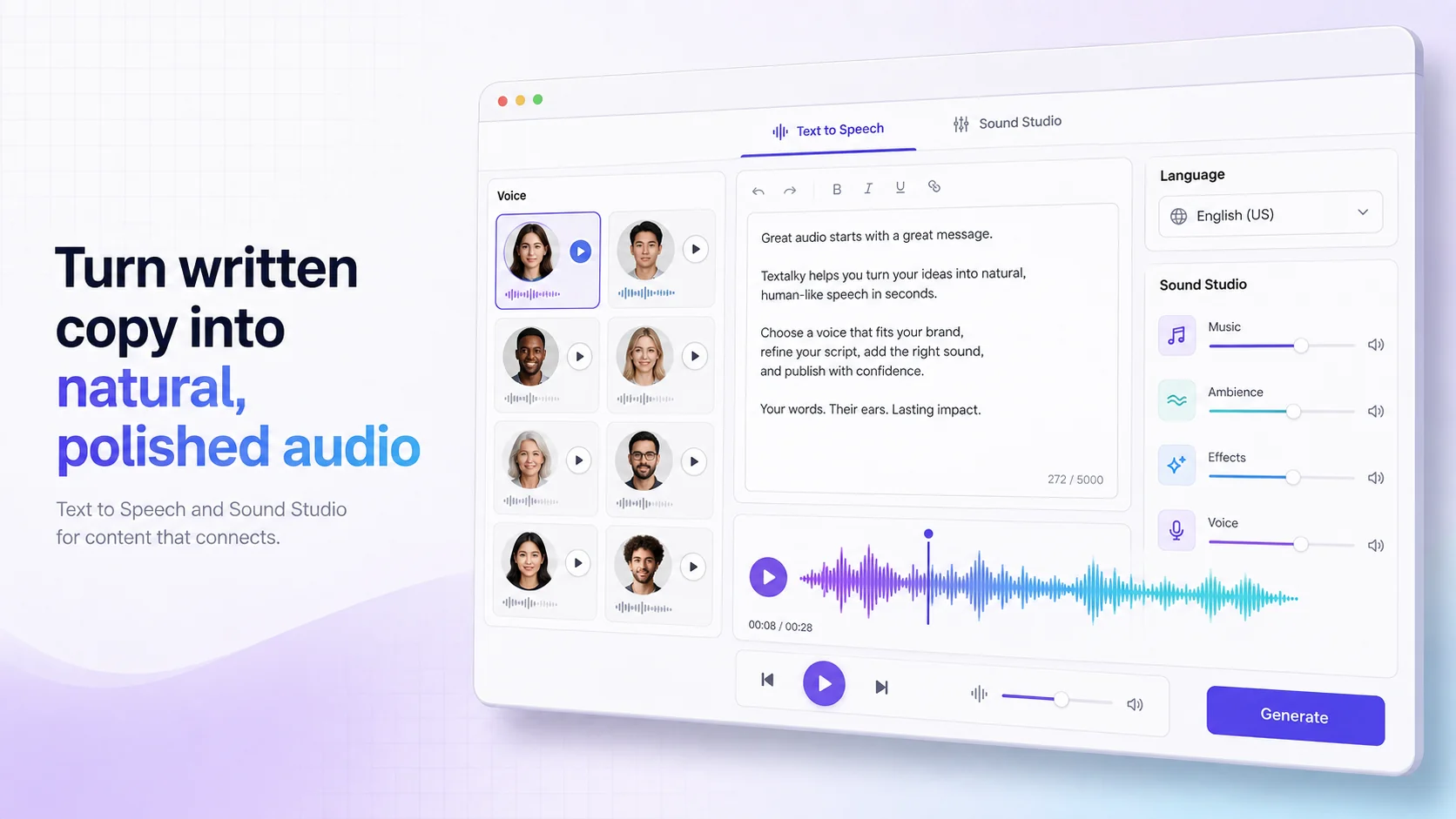
Step 3: Mix and master in the Sound Studio
- Balance narration levels against intro and outro music
- Remove background noise from any recorded interview segments
- Apply consistent loudness so every episode sounds the same on any platform
- Export in the format your hosting platform expects
Step 4: Transcribe for show notes and accessibility
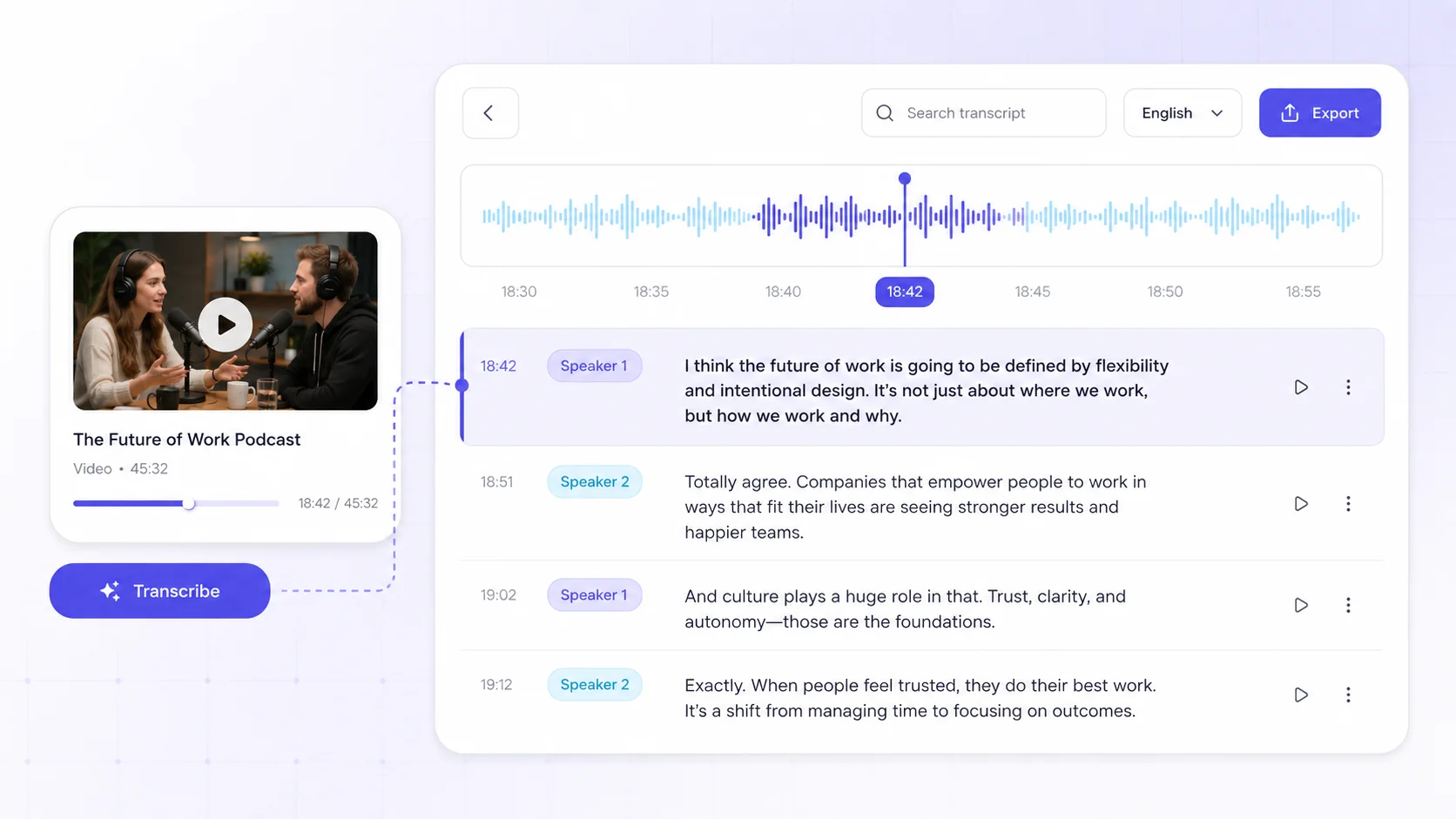
Every episode also gets a searchable, speaker-labeled transcript - useful for accessibility, SEO on your show notes page, and repurposing quotes into social clips. See the complete workflow in our podcast production solution.
“The voice cloning is uncanny. I record one sample and narrate a full podcast season in my own voice - in three languages. It's cut our production time by more than half.”
Produce your next episode in one sitting
Script, narrate, mix, and transcribe - all in Textalky's free plan.
Ready to try it yourself?
Create a free Textalky account - no credit card required - and put this into practice.
Start creating for free