AI Voice Isolator: How to Remove Background Noise from Audio
Not every recording happens in a treated studio. Here's how AI voice isolation rescues audio recorded in the real world.
6 min read · March 23, 2026
Most audio isn't recorded in a treated studio. It's recorded in a home office with a fan running, a coffee shop, or over a video call with echo. AI voice isolation exists specifically for that gap - separating a clear voice from everything happening around it.
How AI voice isolation works
Rather than simply muffling high frequencies the way an old noise gate would, modern isolation models identify the voice signal specifically and reconstruct it separately from background noise - which is why the result sounds clean rather than processed.
When to reach for it
- Podcast interviews recorded remotely, where guest audio quality varies
- Voice memos or phone recordings you want to repurpose into finished content
- Any source recording you're about to feed into Voice Cloning - cleaner input means a more accurate voiceprint
- Old recordings you're restoring for a new project
What it can't fix
Isolation works best on a voice that's clearly present in the recording, even if noisy. It's not a substitute for a decent microphone or a quiet room to begin with - the cleaner your original take, the better any isolation tool performs on top of it.
Clean up your next recording
Textalky's Voice Isolator and Sound Studio are part of every plan, including the free one.
Part of a bigger audio workflow
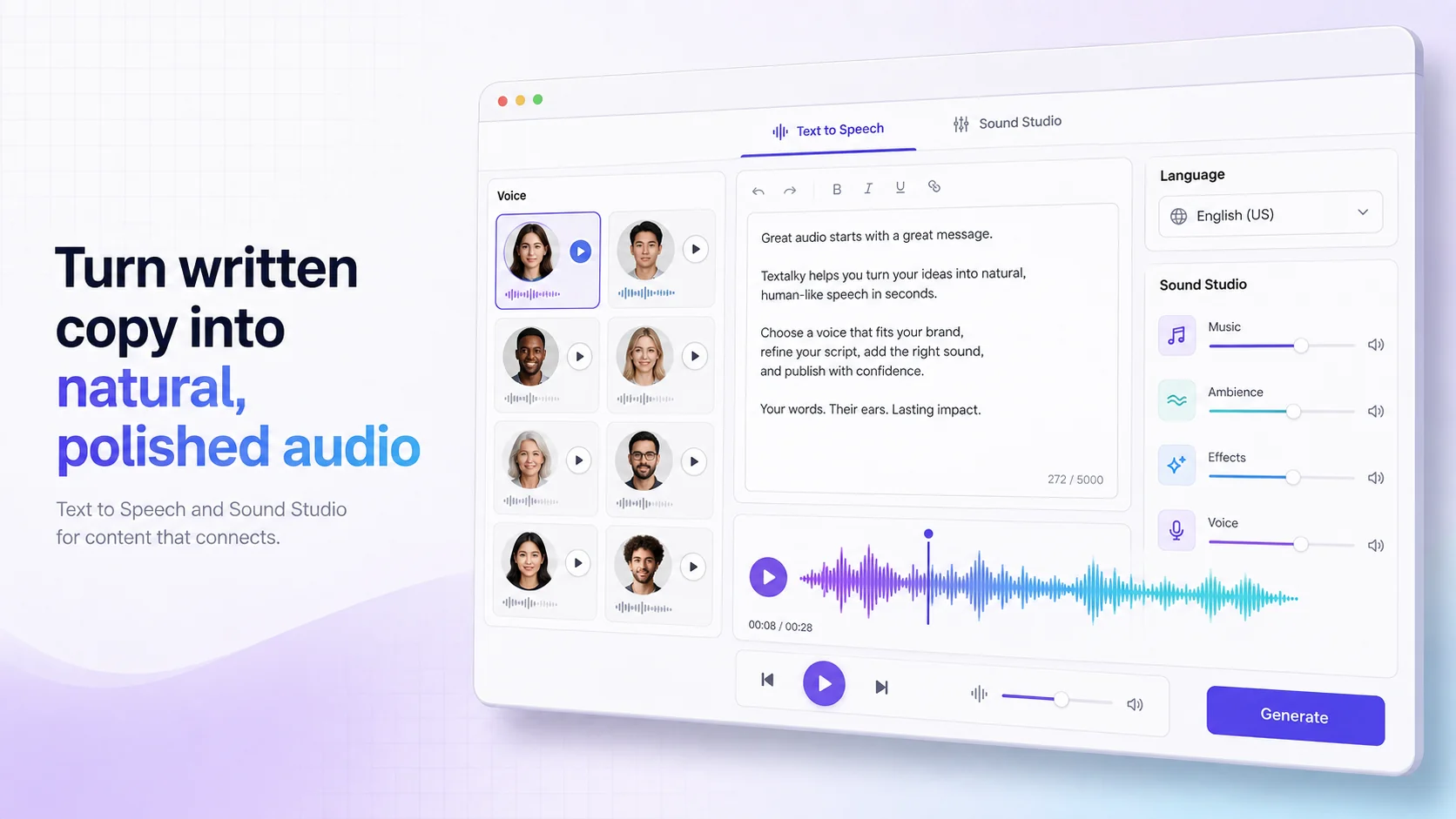
Voice isolation is one piece of Textalky's AI Voice & Sound suite, alongside text to speech, voice cloning, and the Sound Studio - so a noisy interview can go from raw recording to a fully mixed, published episode without leaving the studio.
Ready to try it yourself?
Create a free Textalky account - no credit card required - and put this into practice.
Start creating for free