AI Voice for E-learning: Create Engaging Courses Faster
Discover how AI voice technology can revolutionize your e-learning courses, making them more engaging and professional without the high cost of human narrators.
10 min read · September 4, 2026
The Challenge of E-learning Narration
Creating effective e-learning courses requires more than just well-structured content. Engaging learners often hinges on clear, compelling narration that guides them through complex topics. However, producing high-quality narrated course and training content has traditionally been a significant hurdle for instructional designers, educators, and businesses.
The conventional path to professional-sounding voiceovers involves either hiring expensive voice actors or investing heavily in recording equipment and audio editing software. Voice actors command substantial fees, especially for projects requiring multiple takes, revisions, or specialized vocal styles. The process is also time-intensive, involving script finalization, scheduling studio time, recording sessions, and then post-production work like editing, mixing, and mastering. For organizations aiming to produce a large volume of e-learning materials or frequently update existing courses, these costs and timelines can quickly become prohibitive. This bottleneck often leads to courses that are either less engaging due to sub-par audio or are simply not produced at all, leaving a gap in training and development initiatives.
How AI Voice Transforms E-learning
Artificial intelligence has emerged as a powerful solution to many of these long-standing production challenges. AI voice technology, specifically AI voiceover, offers a fundamentally different approach to narrating e-learning content, bringing speed, cost-effectiveness, and unprecedented flexibility to the process.
At its core, AI voice generators convert written text into spoken audio. This means that once a script is finalized, narration can be produced in minutes, not days or weeks. This dramatic increase in speed is invaluable for rapid course development or for making quick updates to existing materials. The cost savings are also substantial. Instead of paying per hour for a voice actor, you pay for access to the AI tool, which can generate virtually unlimited audio for a fraction of the traditional cost.
Beyond speed and affordability, AI voice technology brings consistency. A single AI voice can maintain the same tone, pace, and pronunciation throughout an entire course, ensuring a uniform learning experience. This is particularly beneficial for multi-module courses or when multiple courses are being developed by the same team. Furthermore, AI voices can overcome language and accessibility barriers. With a vast library of languages, accents, and voice styles available, creators can easily produce e-learning content for a global audience or for learners with specific accessibility needs. For a deeper dive into what makes AI voice so advanced, explore AI Text to Speech: The Complete Guide for Creators. The ability to generate narration on demand, without the logistical complexities of human recording sessions, fundamentally reshapes the economics and efficiency of e-learning production.
Choosing the Right AI Voice for Your Course
Selecting the appropriate AI voice is crucial for creating an engaging and effective learning experience. While the technology has advanced significantly, not all AI voices are created equal, and the wrong choice can detract from your course’s impact.
The primary consideration is voice quality. Modern AI voices strive for naturalness, but some still exhibit robotic inflections or unnatural pacing. Look for AI voice generators that offer high-fidelity, human-sounding voices. Many platforms provide samples of their different voices, allowing you to listen and compare before committing.
Language and accent options are also vital, especially if your target audience is diverse. The best AI voice tools offer a wide array of languages and regional accents, ensuring you can find a voice that resonates with your learners. For instance, an Australian business course might benefit from an Australian accent, while a global software training might require a neutral American or British English voice.
Emotional tone is another critical factor. E-learning content isn't always dry factual material; it often requires conveying enthusiasm, empathy, or urgency. Advanced AI voice generators allow you to adjust parameters like pitch, speed, and intonation to imbue the AI voice with the desired emotion. This control is essential for making the narration dynamic and keeping learners engaged.
Finally, consider the possibility of using custom voices. If you have a specific brand voice or want a consistent presenter across all your courses, AI Voice Cloning technology allows you to create a digital replica of a human voice. This offers unparalleled branding opportunities and a personalized touch, though it requires careful consideration of ethical implications and proper permissions. When evaluating options, prioritize platforms that offer a diverse selection of high-quality, customizable voices that align with your e-learning objectives.
Integrating AI Voice into Your E-learning Workflow
Incorporating AI voice into your e-learning production workflow can be surprisingly straightforward, especially when you plan your steps effectively. The goal is to make the AI voice a natural part of your existing content creation process, rather than an add-on.
Begin with your script. Ensure it is finalized and polished before you even think about generating audio. AI voice generators work best with clear, concise text. Once your script is ready, the next step is to choose your AI voice. Based on the considerations discussed earlier - quality, language, accent, and tone - select the voice that best suits your course.
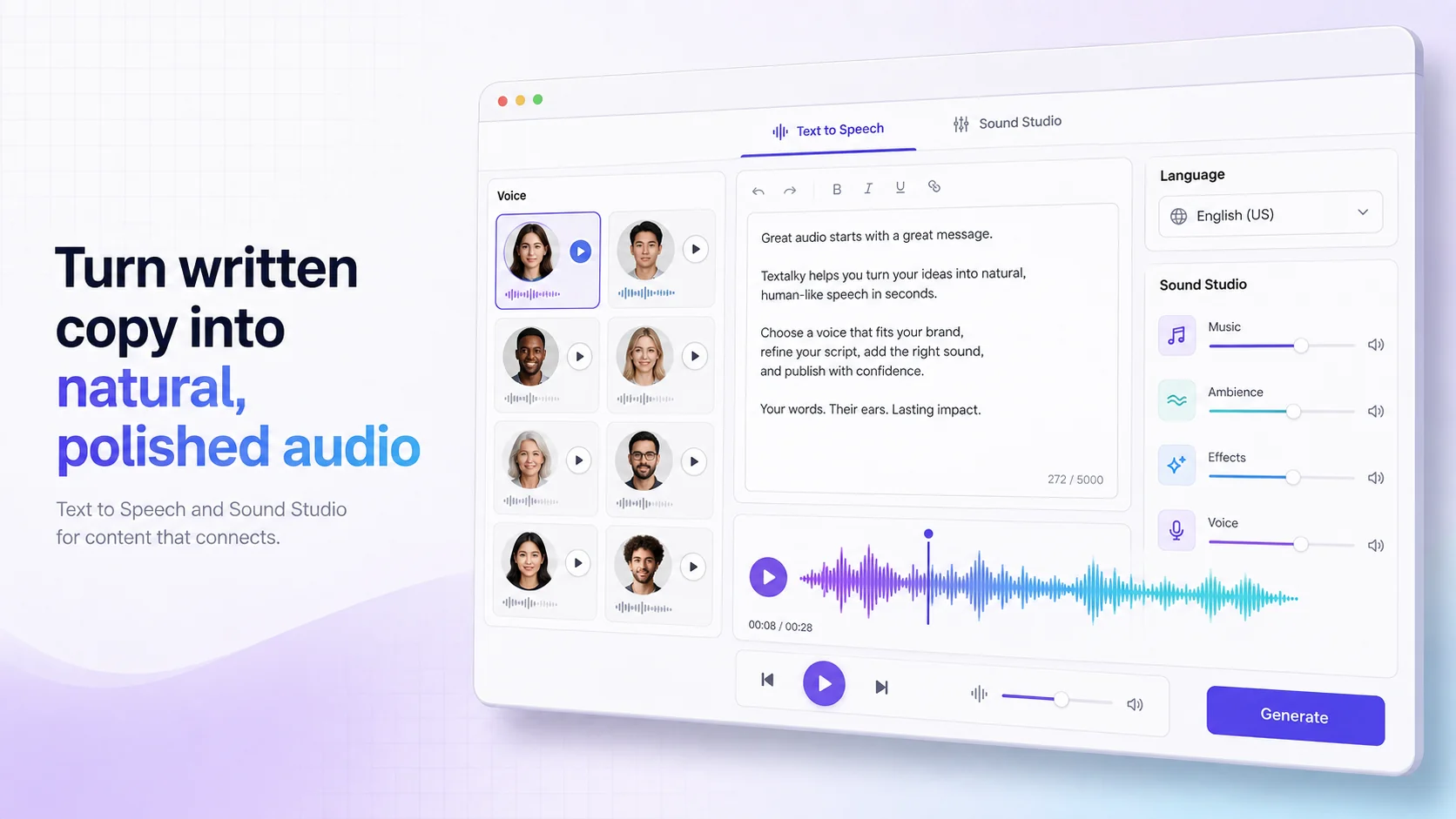
Many AI voice platforms allow you to paste your script directly into an editor and generate audio on the fly. This is where the speed of AI shines. You can experiment with different phrasings or pronunciations by making quick edits to the text and re-generating the audio. This iterative process is far more efficient than traditional recording methods.
Once you have your audio files, you’ll integrate them into your e-learning authoring tool, such as Articulate Storyline, Adobe Captivate, or other platforms. Most tools support standard audio formats like MP3 or WAV, which AI voice generators readily produce. Simply import the audio files and sync them with your on-screen content, slides, or animations.
To further streamline content creation, consider using an AI Writer to help draft or refine your scripts. This can save significant time in the initial content development phase. Similarly, if you’re working with existing video or audio content, AI transcription tools can convert spoken words into text, which you can then edit and use to generate new AI voiceovers. Planning your workflow to include these AI-powered steps from scriptwriting to final audio integration will maximize the efficiency gains.
Beyond Narration: Enhancing E-learning with AI
The power of AI in e-learning production extends far beyond just voiceovers. By integrating various AI tools, you can create a more comprehensive, efficient, and engaging content development pipeline.
One of the most significant complementary tools is the AI Writer. This can assist instructional designers in drafting course scripts, generating quiz questions, summarizing complex topics, or even creating learning objectives. An AI writing assistant can break through writer's block and accelerate the initial content creation phase, providing a solid foundation for narration.
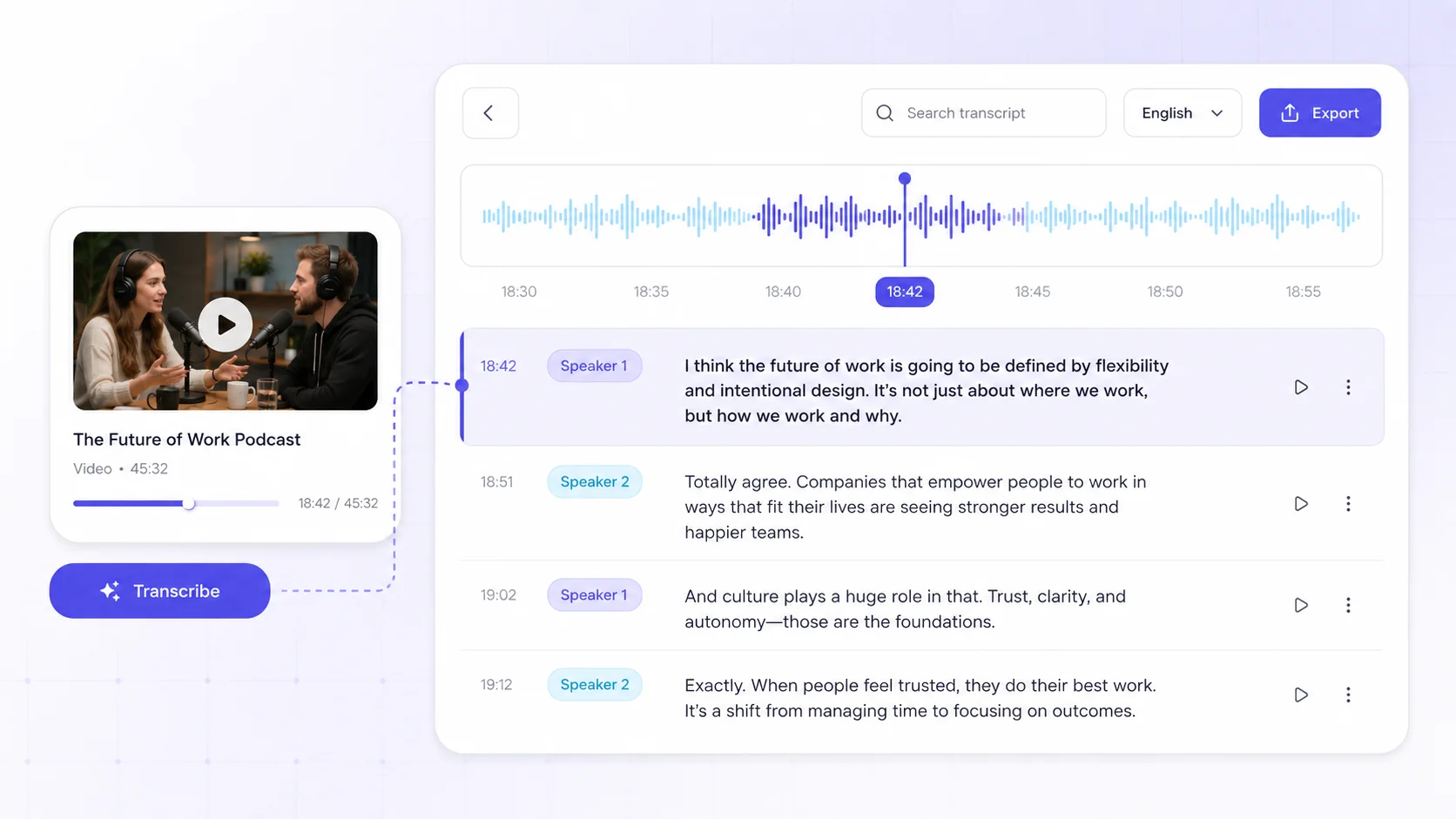
For courses that involve existing audio or video content, or for making existing materials accessible, AI Transcribe services are invaluable. These tools automatically convert spoken words into text transcripts. This is useful for creating closed captions, generating written summaries, or repurposing content. A transcript can also serve as the source text for generating AI voiceovers, ensuring consistency between on-screen text and narration.
AI can also play a role in visual content creation. Tools that generate AI images or AI video can help create custom graphics, illustrations, or even animated elements for your courses, reducing reliance on stock media or expensive graphic designers. While AI voice handles the audio, these visual AI tools can bring your course content to life visually.
Furthermore, AI chatbots can be integrated into learning platforms to provide instant support to learners, answer frequently asked questions, or offer personalized learning paths. For technical training, AI code generation tools can assist in creating code examples or explaining programming concepts. By viewing AI not just as a voice generator but as a suite of interconnected creative tools, you can build a highly efficient and modern e-learning production ecosystem.
Textalky: Your All-in-One E-learning AI Studio
For e-learning creators looking to harness the full potential of AI, consolidating your tools into a single platform can significantly simplify your workflow and reduce costs. Textalky offers itself as exactly that - an all-in-one AI creative studio designed to meet the diverse needs of content creators, including those focused on education.
Instead of juggling multiple subscriptions for different AI functionalities, Textalky brings together a comprehensive suite of tools under one roof. This includes advanced AI voice capabilities, such as high-quality AI Voiceover and AI transcription, essential for producing professional e-learning narration. Beyond audio, Textalky provides robust AI content creation tools, including an AI Writer and AI Article Wizard, which can help draft and refine course scripts, lesson plans, and other educational materials.
For visual elements, Textalky offers AI Image and AI Video generation, enabling the creation of custom graphics and animations to make courses more visually appealing. The platform also includes AI Chat functionalities, which can be adapted for support bots or interactive learning modules. This integrated approach means that from writing the initial script to generating the final narrated video or interactive module, every step can be managed within a single interface.
By consolidating these powerful AI tools, Textalky aims to eliminate the friction of switching between different applications and managing separate billing cycles. This unified environment empowers instructional designers and course creators to produce higher-quality, more engaging e-learning content faster and more cost-effectively than ever before.
Making the Switch: Pricing and Next Steps
Transitioning to AI voice for your e-learning courses is a strategic move that can unlock significant gains in efficiency and engagement. If you’re ready to explore this transformative technology, Textalky offers several pathways to get started, catering to different needs and budgets.
For those looking for the most comprehensive and cost-effective long-term solution, Textalky’s AI Lifetime Pro, lifetime access for $79 once is an exceptional offer. This one-time payment provides access to every tool within the studio, including all the AI voice, writing, and visual creation features relevant to e-learning development. This offer is available for a limited time, providing an opportunity to invest in a complete AI creative suite without ongoing subscription fees. You can learn more about this unique deal at the AI Lifetime Pro deal.
If a subscription model better suits your current needs, Textalky provides various plans with different quotas and features. The AI Free plan offers a no-cost entry point to experiment with the platform, while paid plans like AI Basic, AI Explorer, AI Plus, and AI Pro scale up with increased word limits, character counts, and access to more advanced tools. You can compare all plans and current pricing to find the best fit for your project scale and budget.
To begin, consider signing up for a free account at lab.textalky.app/register. This allows you to test the AI voice generators and other features with no commitment. Listen to the available voices, experiment with generating short audio clips from your script, and experience firsthand how AI can accelerate your e-learning production. Making the switch to AI voice for your e-learning courses is not just about saving time and money; it's about enhancing the learning experience for your audience with professional, engaging, and accessible content.
Frequently asked questions
Can AI voice sound natural enough for e-learning courses?
Yes, modern AI voice generators are capable of producing highly natural-sounding speech. While early AI voices often sounded robotic, advancements in machine learning and speech synthesis have led to voices that are virtually indistinguishable from human narration in terms of tone, intonation, and pacing. Many platforms offer a variety of vocal styles and emotional expressions, allowing you to select a voice that perfectly matches the context and tone of your e-learning material.
How much time and money can AI voice save on e-learning production?
The savings can be substantial. Traditionally, professional voiceovers can cost hundreds or even thousands of dollars per course, depending on length and complexity. AI voice generation eliminates the need for expensive voice actors, studio time, and extensive post-production editing. Narration that might take days or weeks to record and edit with human talent can often be produced in minutes using AI. This dramatic reduction in both time and cost allows organizations to produce more e-learning content, update it more frequently, and scale their training initiatives more effectively.
What are the key features to look for in an AI voice generator for education?
When selecting an AI voice generator for educational content, prioritize these features:
- High-quality, natural-sounding voices: Look for options that offer clear pronunciation and human-like intonation.
- Wide language and accent selection: Essential for reaching a global audience or catering to diverse learner populations.
- Emotional control and customization: The ability to adjust tone, pitch, and speed to convey enthusiasm, empathy, or seriousness is crucial for engagement.
- Ease of use: A simple interface for inputting text and generating audio quickly streamlines the workflow.
- Scalability: The ability to generate large volumes of audio efficiently is important for extensive courses or content libraries.
- Integration capabilities: Compatibility with common e-learning authoring tools and standard audio formats is beneficial.
Ready to try it yourself?
Create a free Textalky account - no credit card required - and put this into practice.
Start creating for free